How to find alternative payment methods
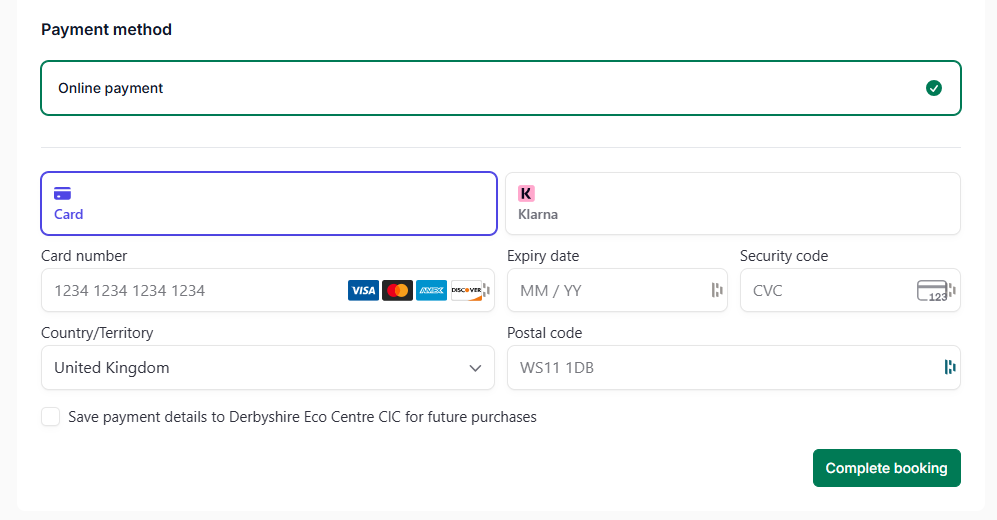
When booking a course, payment is taken online. Our booking system accepts various payment methods. The default payment screen should look like the one below.
Here you can pay by card or by Klarna. Enter your details and click ‘Complete Booking’ when you are done.
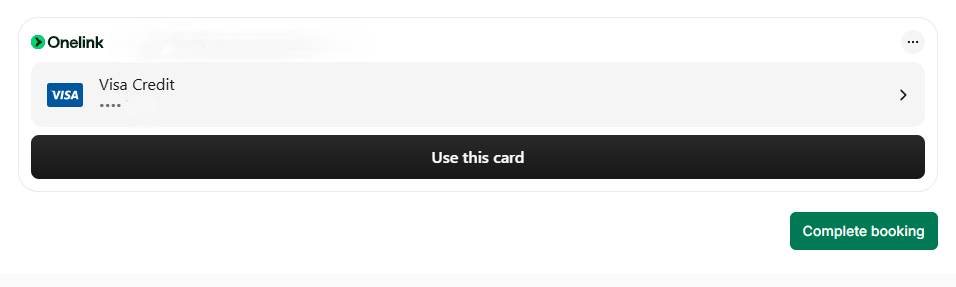
If the screen looks similar to the one below and you don’t see the payment options you want, then click the three little dots at the top right of the payment section.
In this example, because it is showing payment by Onelink, when you click the dots it prompts ‘Pay without Onelink’. Click this and you should return to the default payment screen.